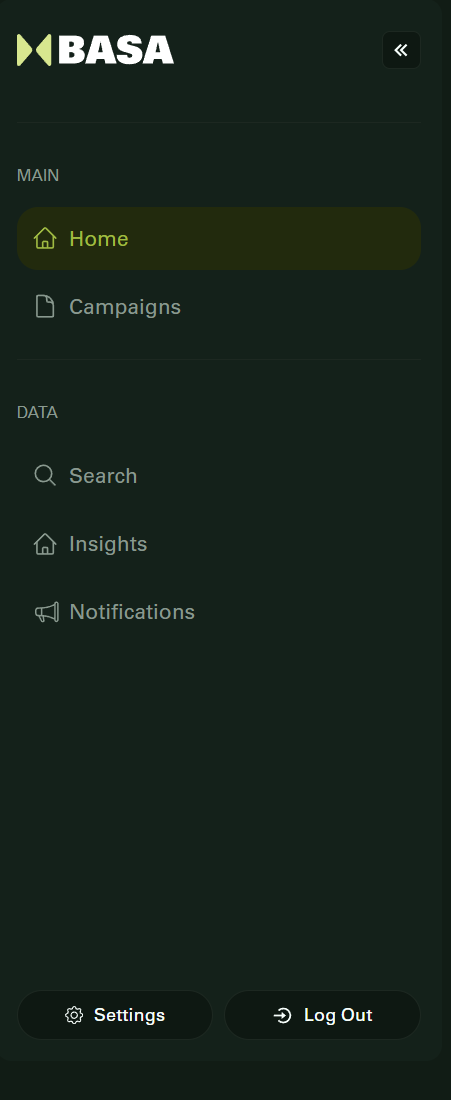
Upon logging in, both Contractors and Influencers land on a personalized home screen. Here's what you will see:
Campaigns Section: Displays active campaigns tailored to your role.
Search Button: Quickly search for campaigns using filters.
Notifications Bell: Access updates and alerts related to your activities.
Settings Icon: Update personal information and manage your account.
Clicking the Settings icon opens:
User Info (Name, Email, Language)
Password Update
Two-Factor Authentication setup
Connected Accounts for SSO
Browser Session History
Logout option
This home view ensures you can easily access everything you need to participate in or manage campaigns efficiently.
Was this article helpful?
That’s Great!
Thank you for your feedback
Sorry! We couldn't be helpful
Thank you for your feedback
Feedback sent
We appreciate your effort and will try to fix the article